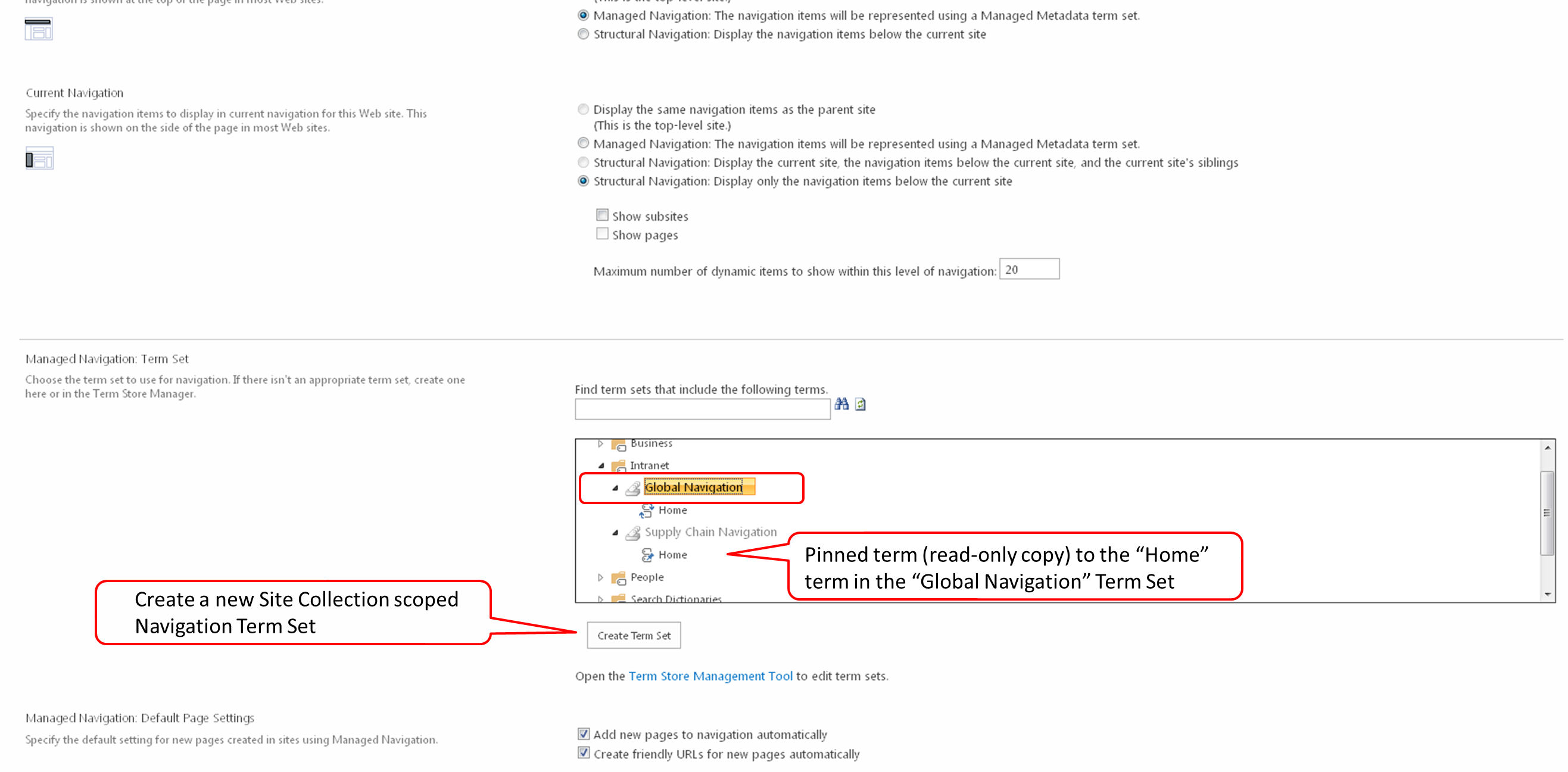
In 2013, if you go to Site Actions > Site Settings > Navigation (under the Look and Feel section), you will see the screenshot below. You need to have the “SharePoint Server Publishing Infrastructure” site collection feature activated to see the Navigation option. Any site that belongs to this site collection will now have the capability to use Managed Metadata based navigation, no matter which site template was used (you do not need to have a site created using the publishing site template or even have the “SharePoint Server Publishing” site feature turned on for this to be available.
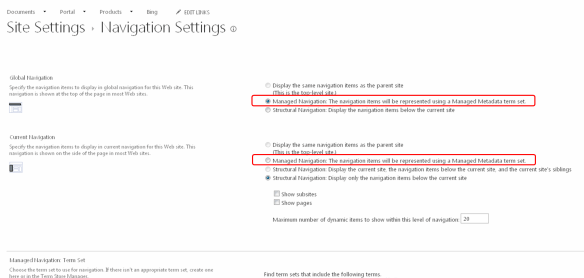
You will notice the “Managed Navigation” option; this option is new in SharePoint 2013 and can provide you the following benefits.
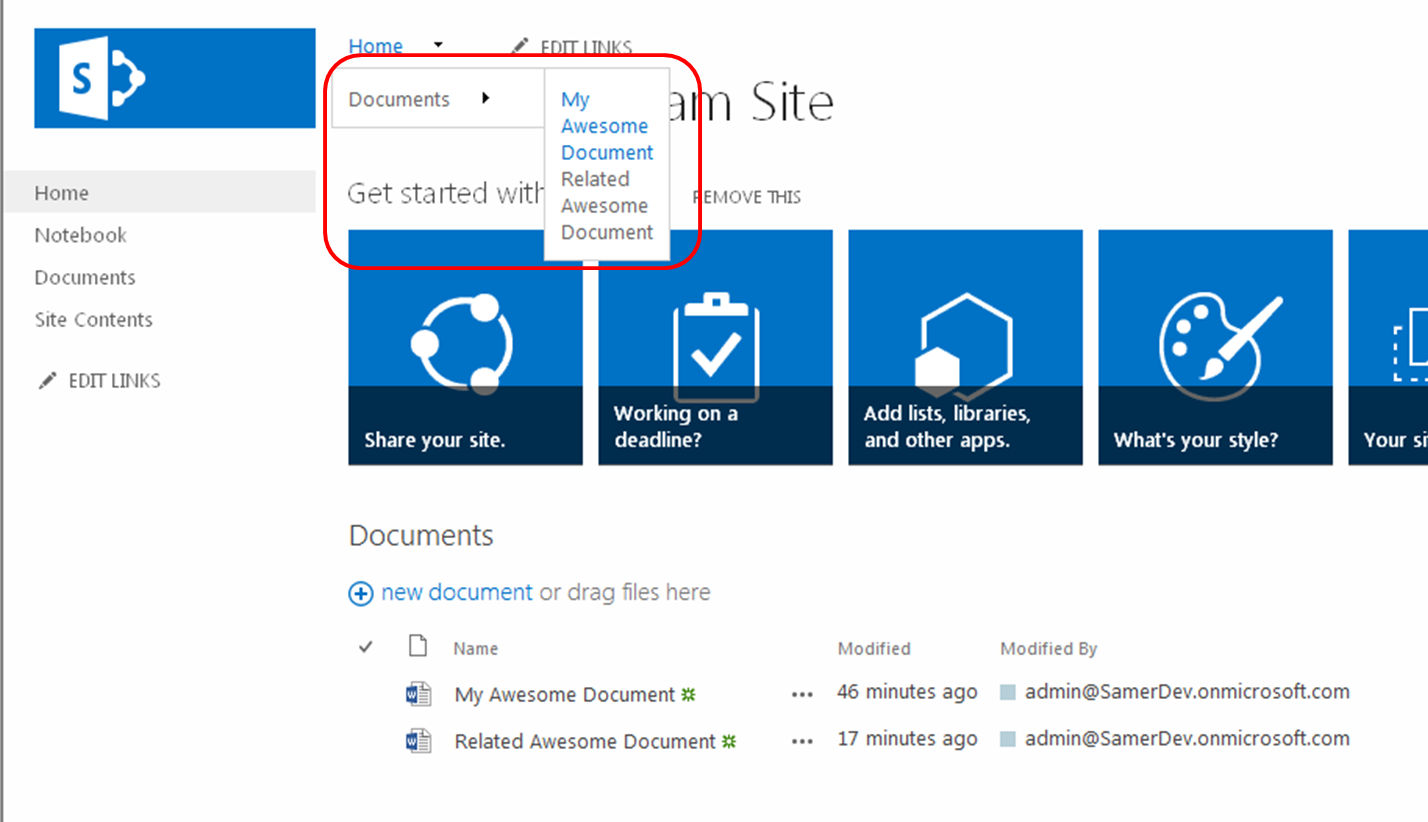
- Allows you to create navigation menus with 3 tiers (the other options allow you no more than 2 tiers)
- A consistent navigation experience across sites, site collections, and even web applications (within a single tenant)
- Flexibility to make changes to menus across sites without duplication of effort for each site
- Ability to tag content and people with navigation items
- Friendly URLs
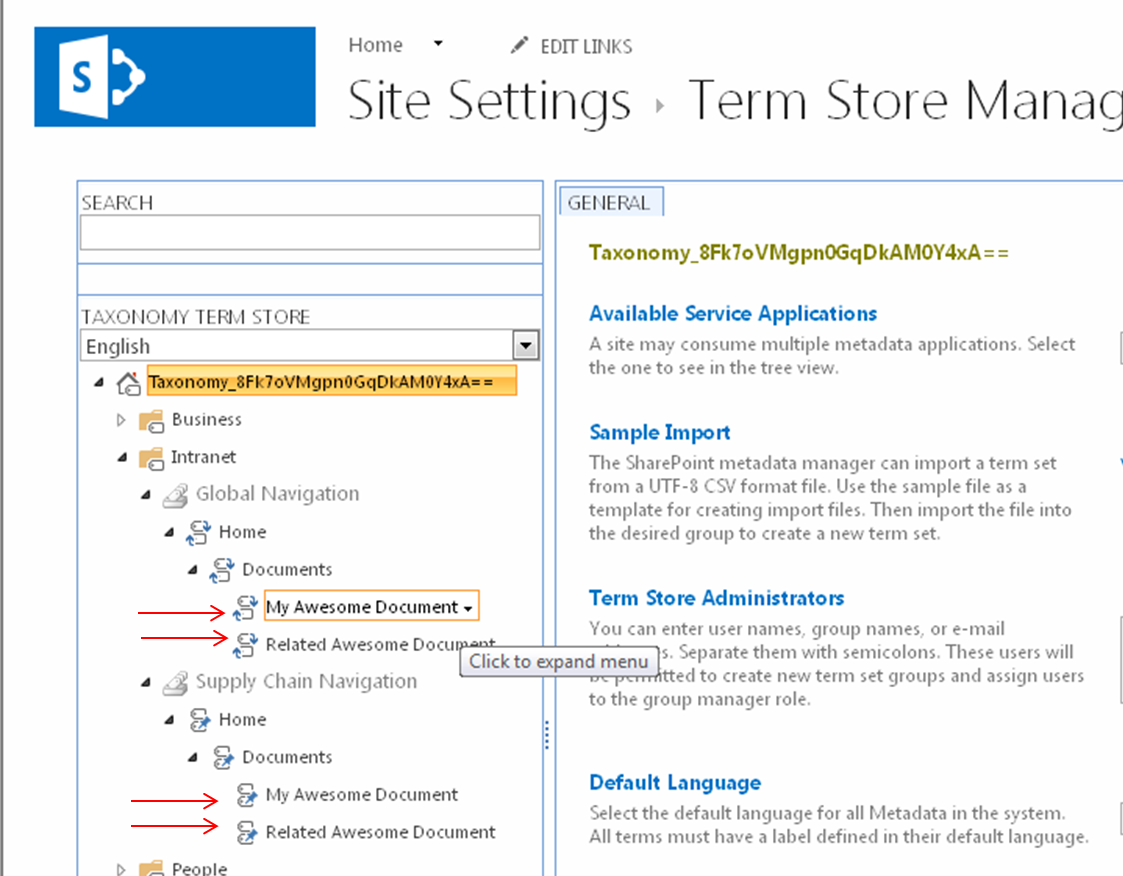
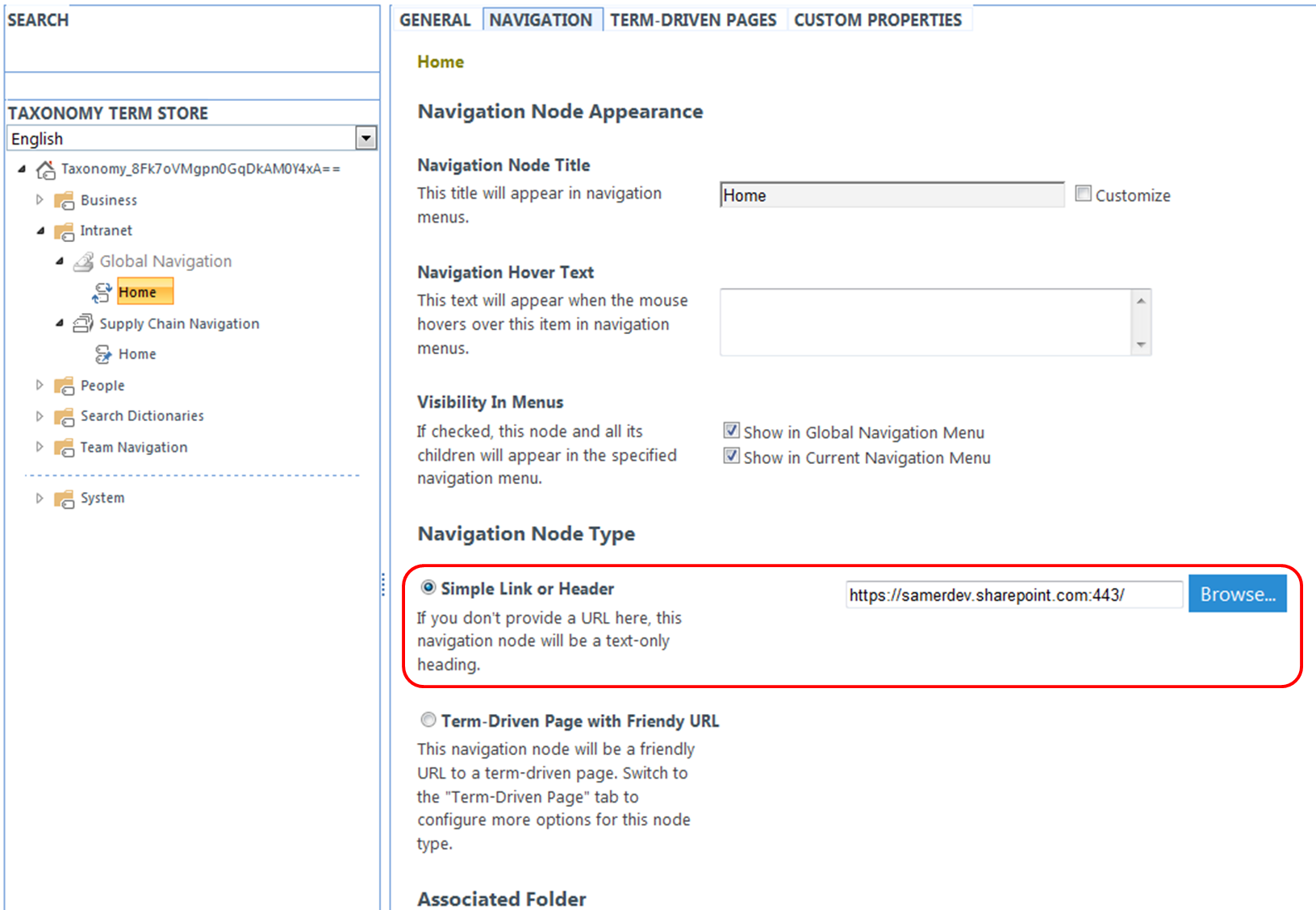
- Navigation item Pinning and Reusing
The only disadvantage to using the “Managed Navigation” option is that security trimming of the navigation items will no longer work. Managed Metadata Global Navigation is intended to provide a cross-site collection consistent navigation experience. Since each site collection is its own security perimeter, security trimming navigation items is not possible.

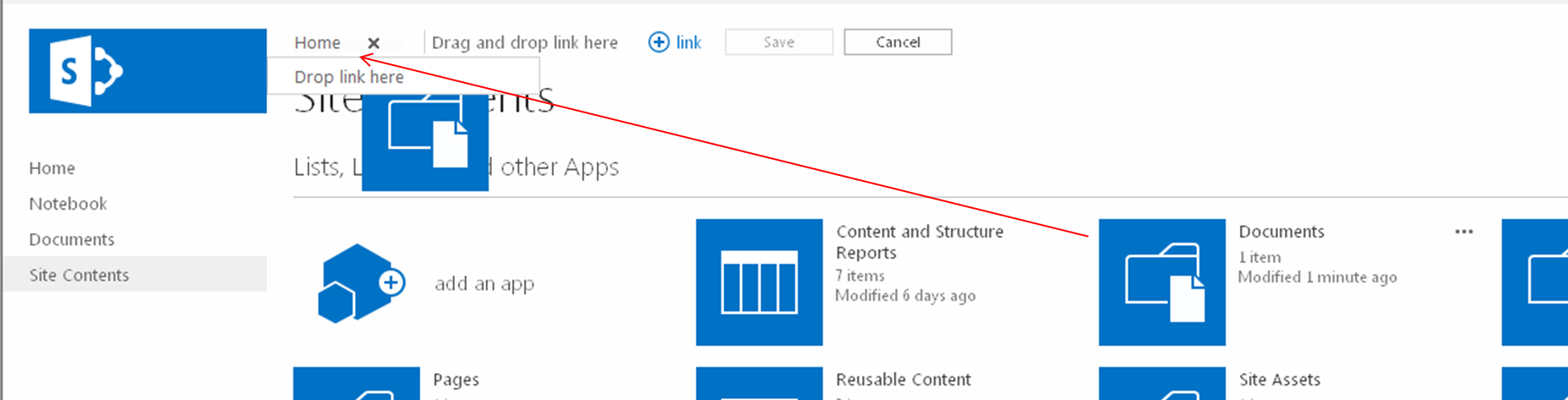
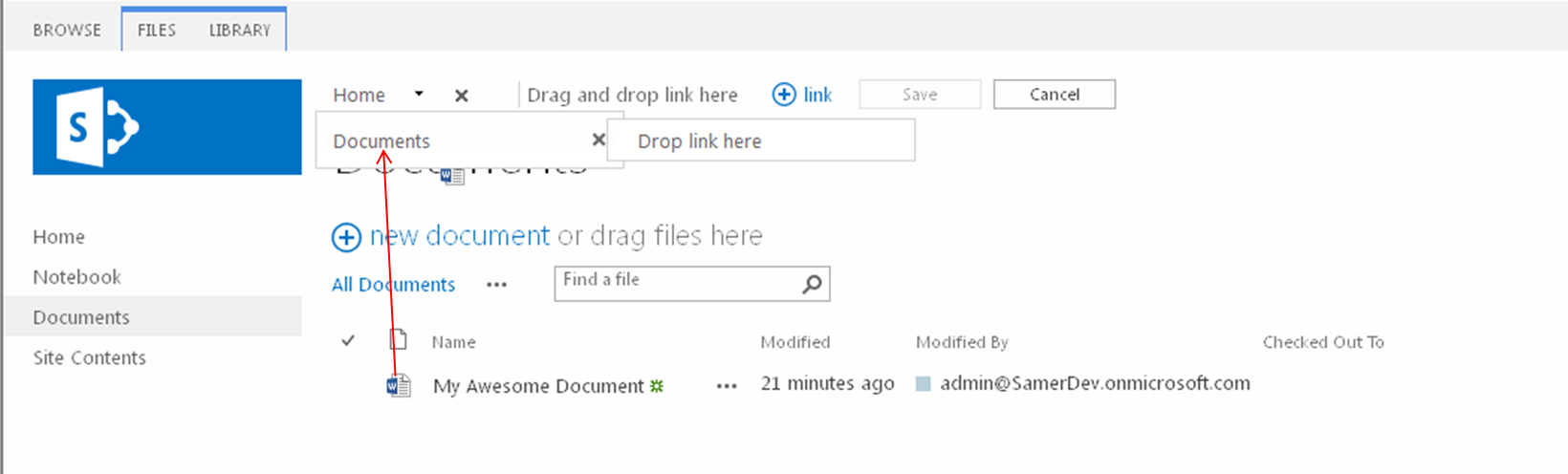



 Samer 365